SHPU
In this section we will have a closer look at how you can use SHPU screen to control the system during the CPT operation in Manual Mode.
Navigation
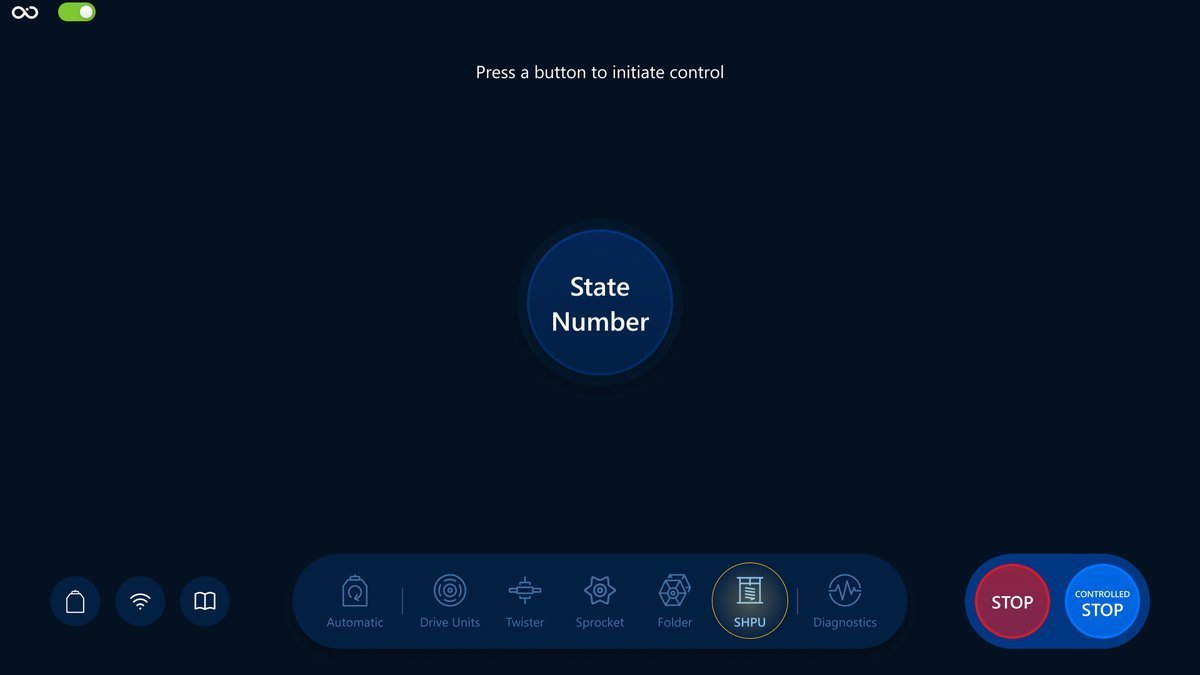
Choose the SHPU icon in the navigation bar for navigation:
Controls
We will have a look at a brief description of the controls, their responsibilities and also how it reflects the Visualization screen.
State Number
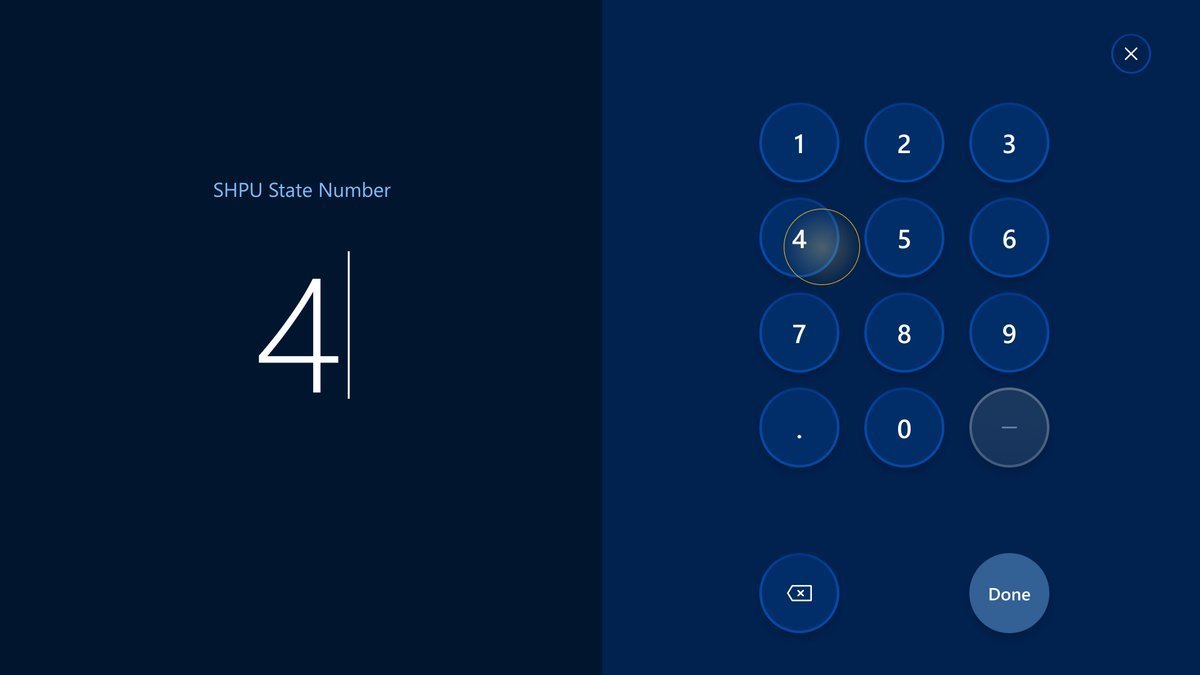
Opens a modal where an operator can set the State Number.
The button:
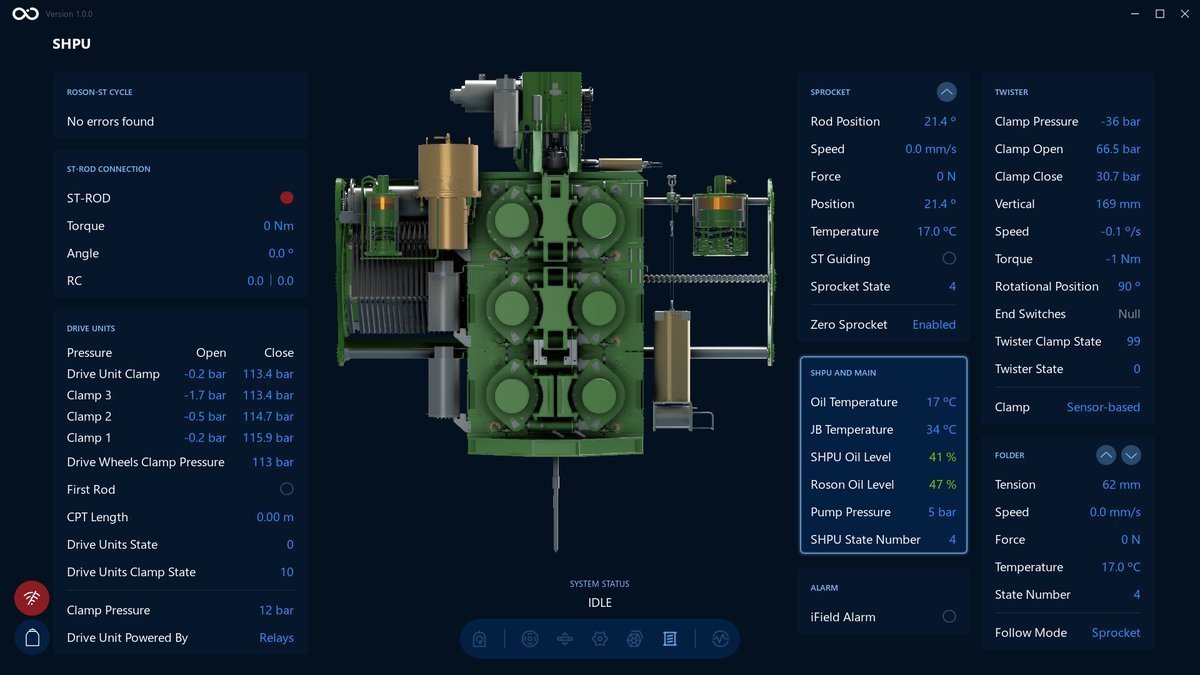
An example of the Visualization screen after changing the value for SHPU State Number to 4. We can see the SHPU State Number value changed:
What's next?
Feel free to go to the next section and learn the Diagnostics screen controls in more detail: Diagnostics overview