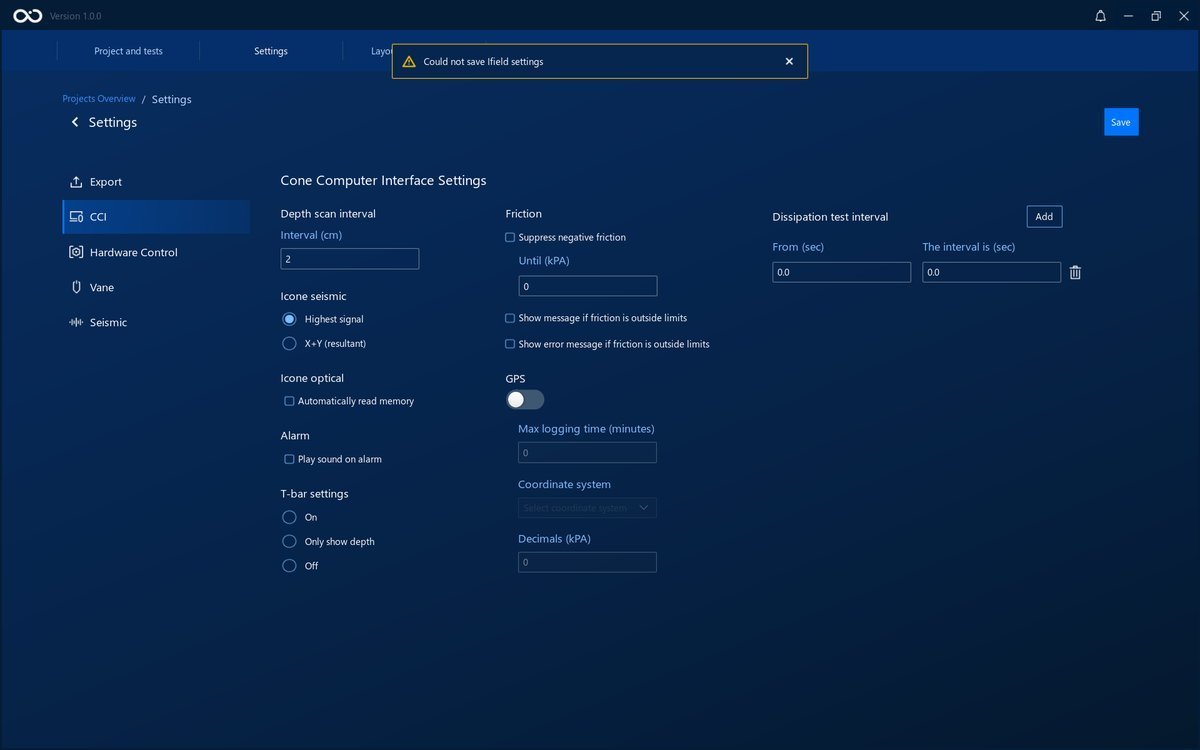
Settings
The settings page lets you change settings in the IField software. To do so, start by navigating to the project dashboard that you want to change the settings of.
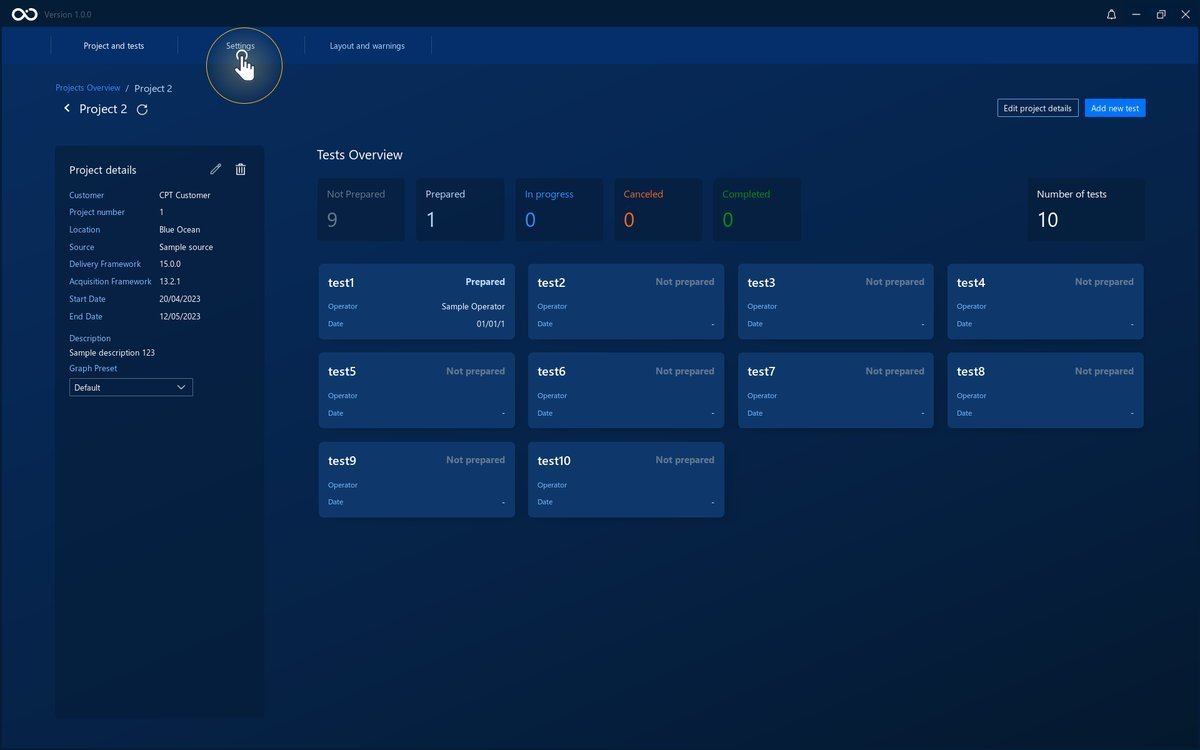
Then click on the Settings button on the navigation bar at the top.
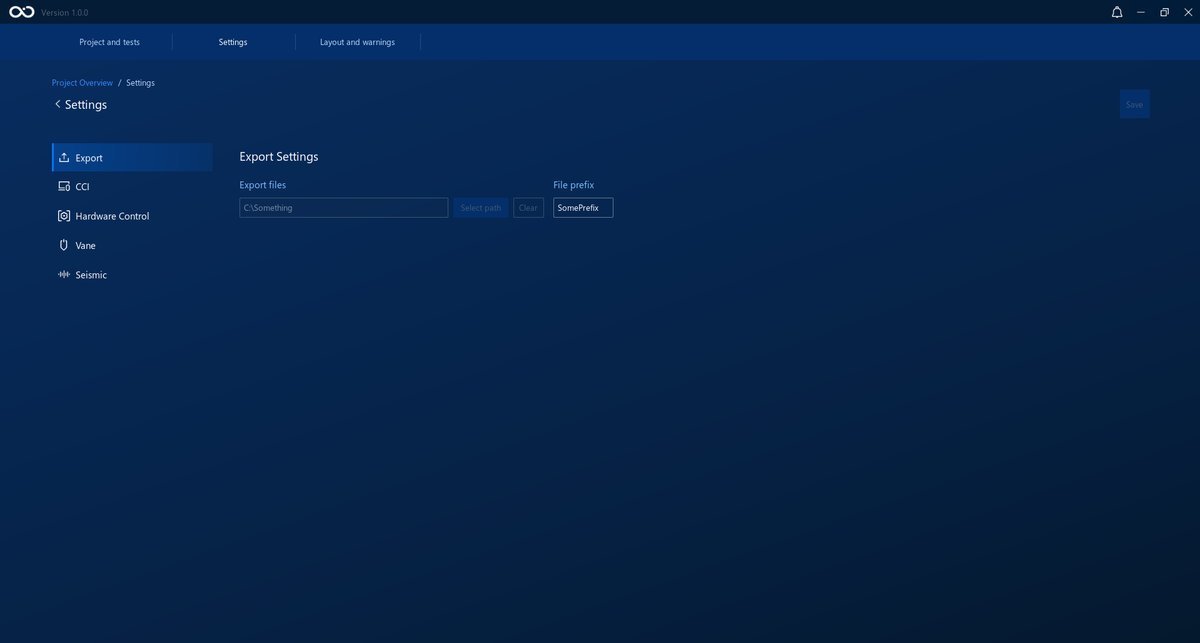
On the left of the settings there are five tabs that you can use to navigate to different settings categories.
Save new Settings
Whenever a change is made to the settings, the Save button will become enabled. If you want to keep the changes, click on it.
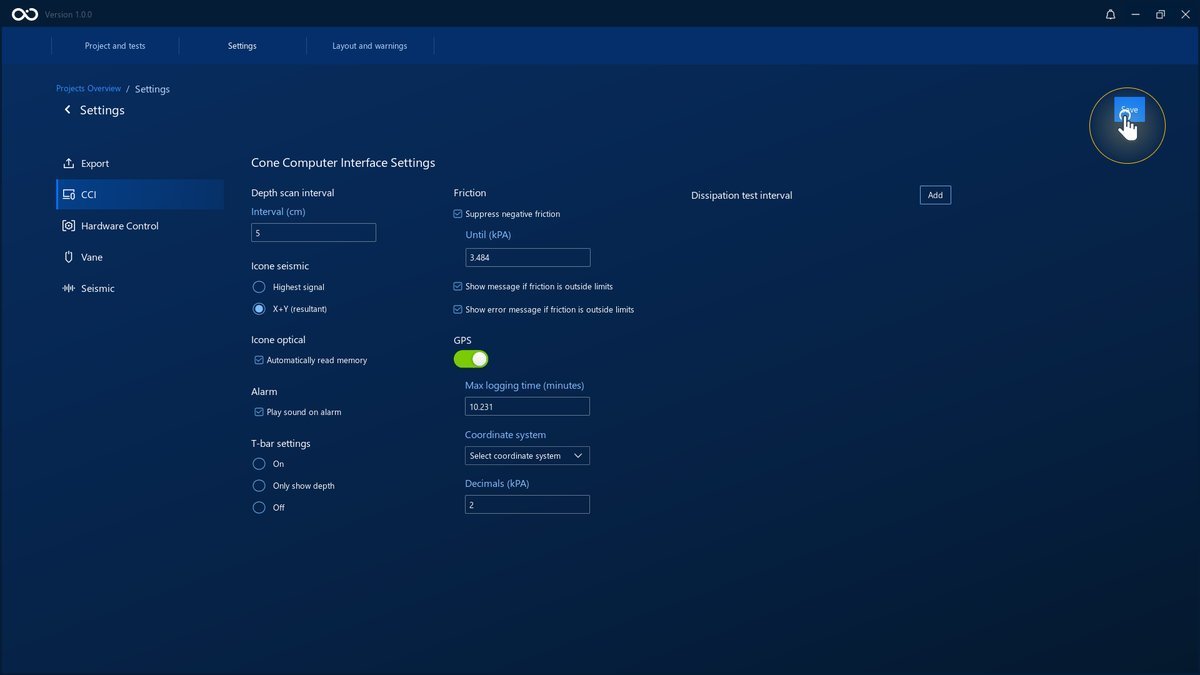
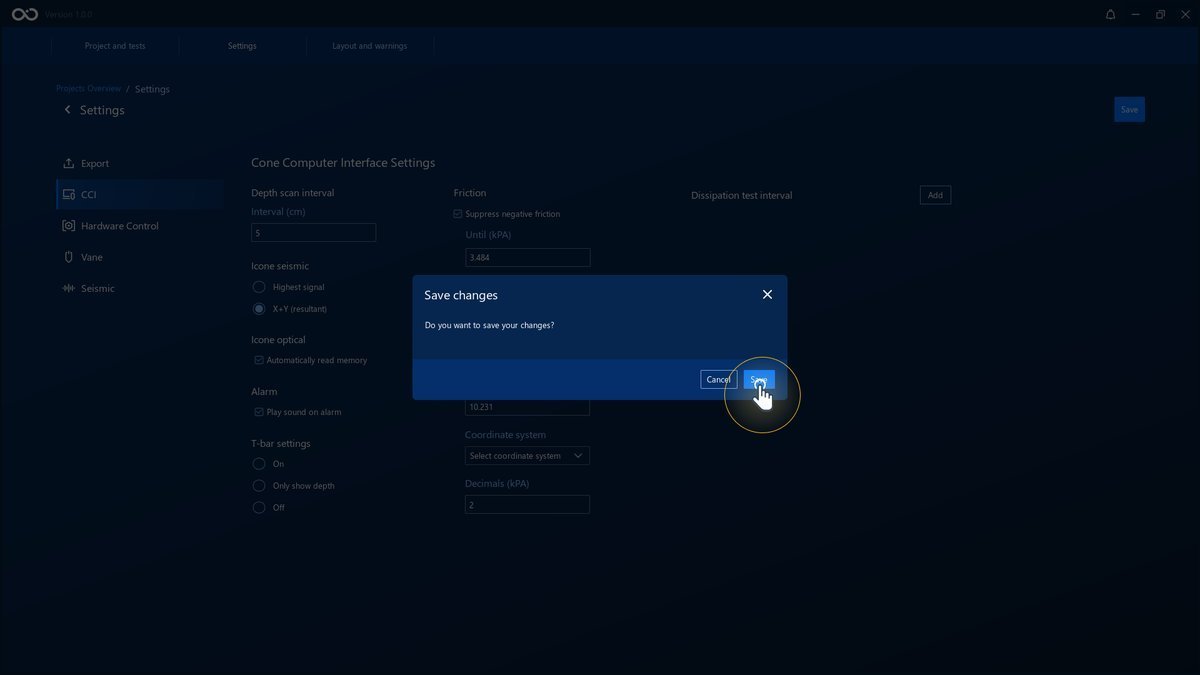
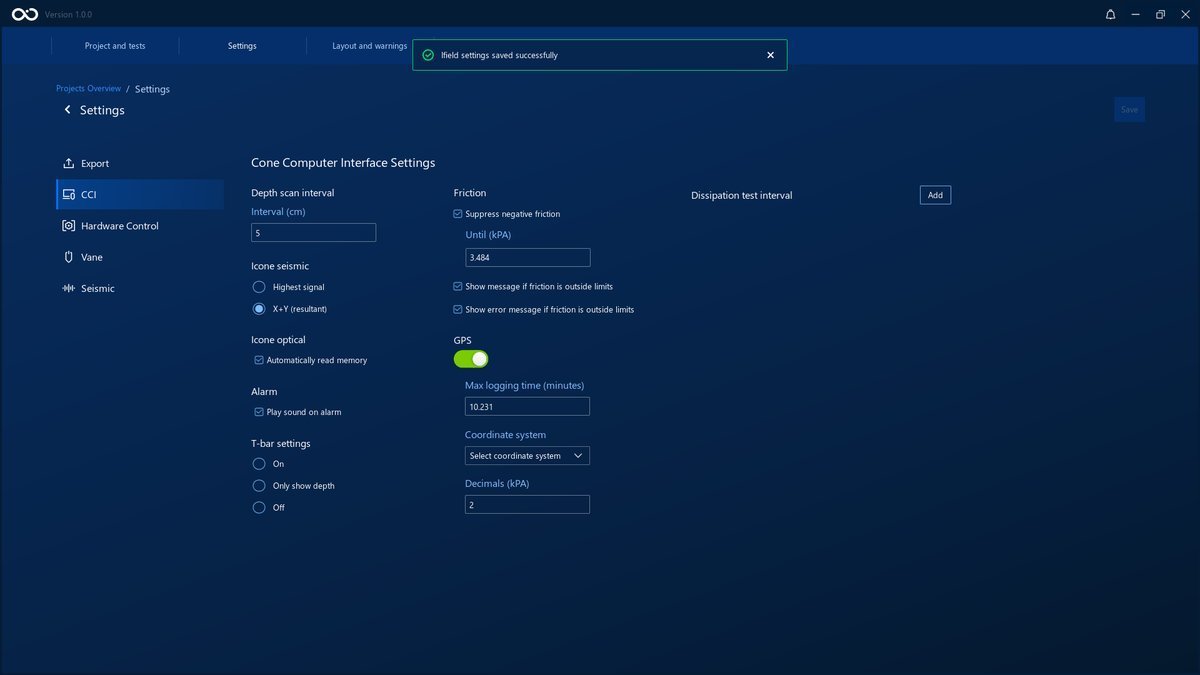
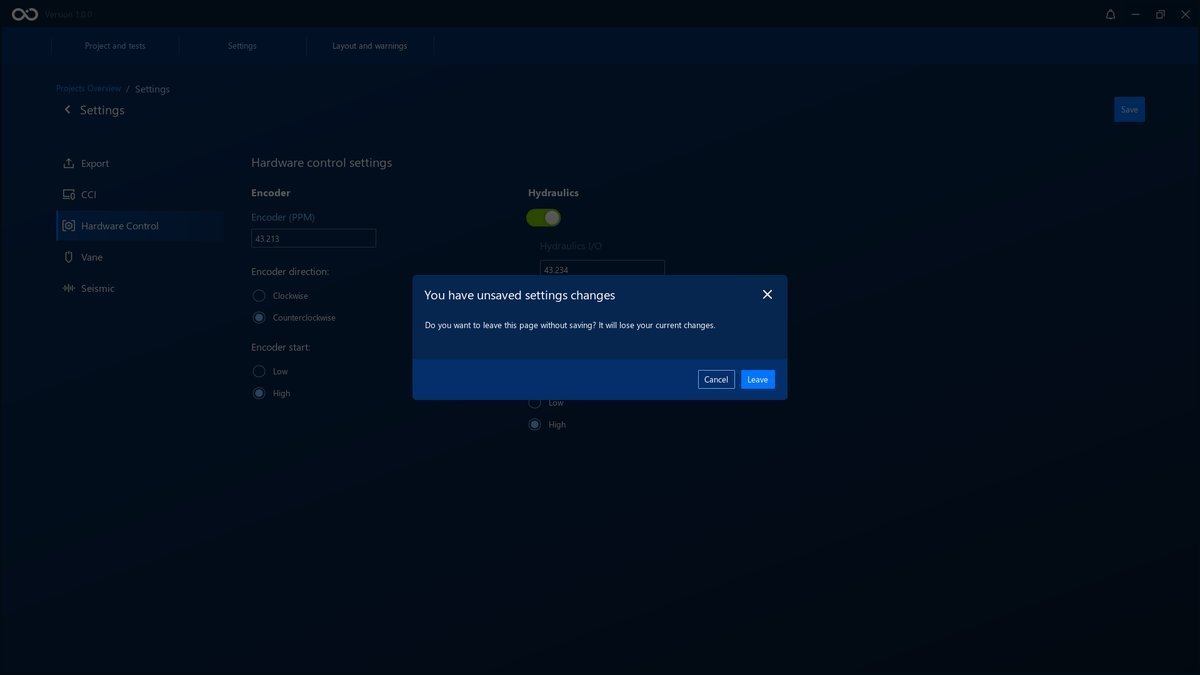
If you want to discard the changes that were made, just leave the Settings page or close the application. A window will show before closing warning that there are unsaved changes.
Error in Saving Settings
There might be cases in which you won't be able to save the settings. An error will show on top of the page. In this case, please contact the support team with the error message.